Local by design.
Local saving and recovery support the writing session. File access is explicit, with the writer choosing what to open and where to save.
 FF / ORIGINALSBACK TO WORK
PRODUCT STRATEGY / IDENTITY / INTERFACE / DEVELOPMENT
 AN ORIGINAL BY FRAME & FURY

A focused screenplay workspace, imagined and built inside Frame & Fury. From the first scene to the draft you’re ready to share.
DESKTOP RELEASE SUBMITTED FOR REVIEW
iPhone edition in development.
An original screenwriting product shaped around the rhythm of writing—and a visual world that feels like a studio of your own.
01 / IDEA
The best interface leaves room for the next line.
Formatting, navigating and revising can interrupt a story before it finds its rhythm. We built around a white screenplay page, with scene structure close by and deliberate controls within reach.
The identity follows the same idea: graphite and ivory, cut through with a little gold. A writing desk with a point of view.
02 / FLOW
WORKFLOW DEMONSTRATION
Dialogue. Return. Character cue. Return. Dialogue. Stay with the exchange while the workspace handles the element type.
Only the format changes. You supply every word and choose the next speaker. An empty character cue returns to Action.
INT. OBSERVATORY – NIGHT
NORA
We still have time.
Your dialogue is ready. Press Return to move to a character cue.
Two voices at once? Centered dual dialogue is a separate writing feature—not live co-writing.
03 / WORKSPACE
Conversation Flow, centered dual dialogue, scene navigation and notes. The page stays central; supporting tools stay close.
04 / ATMOSPHERE
A change of atmosphere.
The same clear page.
Classic, Noir, Horror, Sci-fi, Drama and Romance. Six treatments give the surrounding workspace a different mood without changing your screenplay.
Choose an atmosphere to change the scene around this page and see the corresponding app capture.
Classic / Warm gold. A familiar place to begin.
Atmosphere images: actual 1.9.0 development captures, build 23. The main workspace explorer above shows the submitted build 25.
05 / MUSE
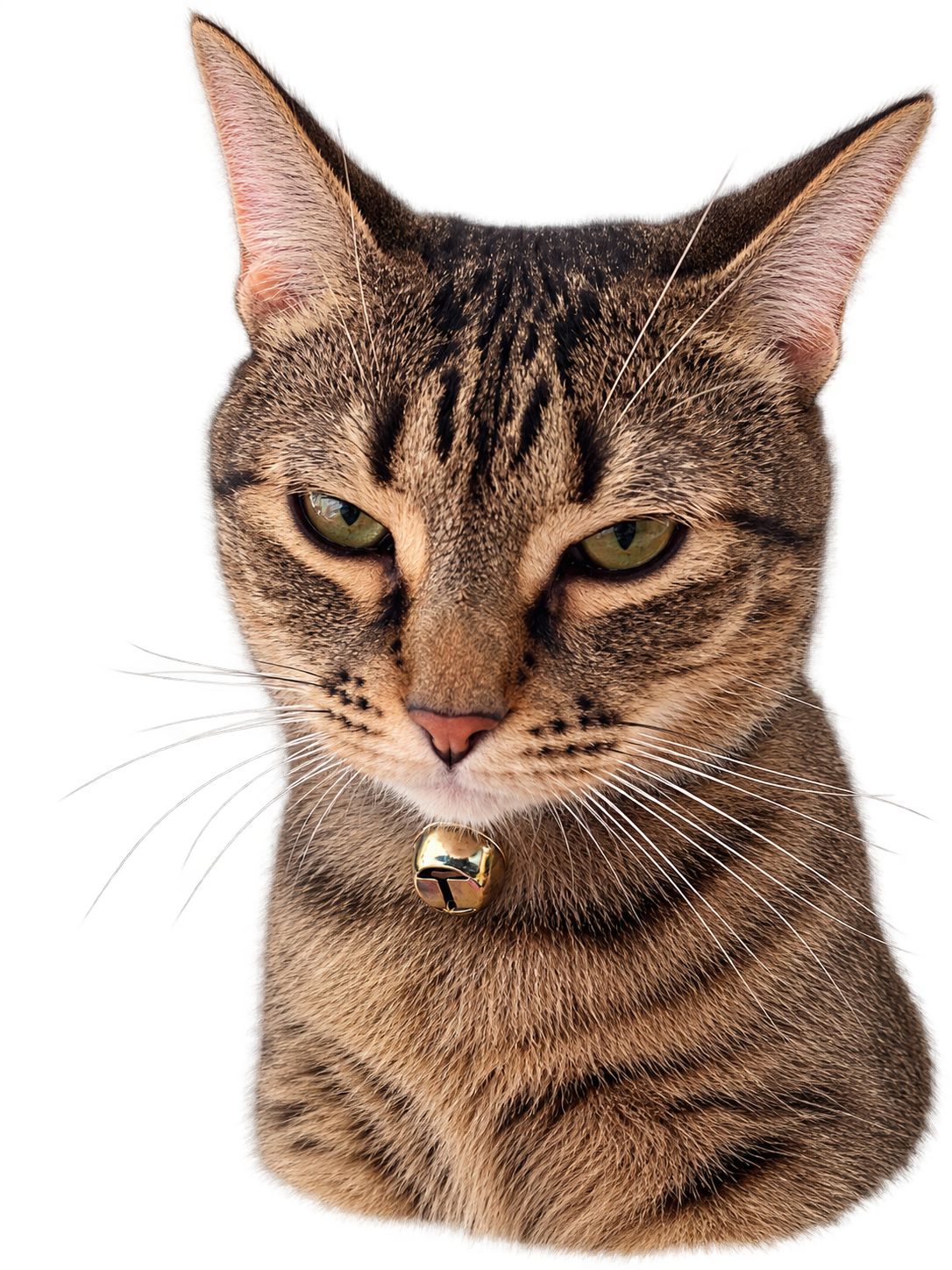
MEET FENDI / RESIDENT MUSE
Good company.
Excellent judgment.
Fendi helps you find your way around the workspace and review supported language and formatting details. The story stays yours.
Once a stray found on a rooftop, Fendi now has a home—and a habit of sitting on our keyboards. A little personality belongs at the desk. The words belong to you.
06 / CARE
Local saving and recovery support the writing session. File access is explicit, with the writer choosing what to open and where to save.
Copy-based library imports keep the source separate from the working draft. A considered boundary between what you brought in and what comes next.
Supported FDX and Fountain interchange, import reports and PDF export make the next step clearer. Supported content travels; limitations are explained.
FRAME & FURY / AN ORIGINAL
A product with a point of view, built around the people who use it.
Desktop release submitted for review. iPhone edition in development.